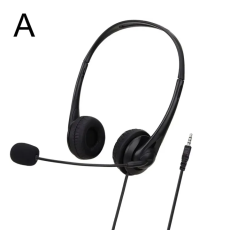

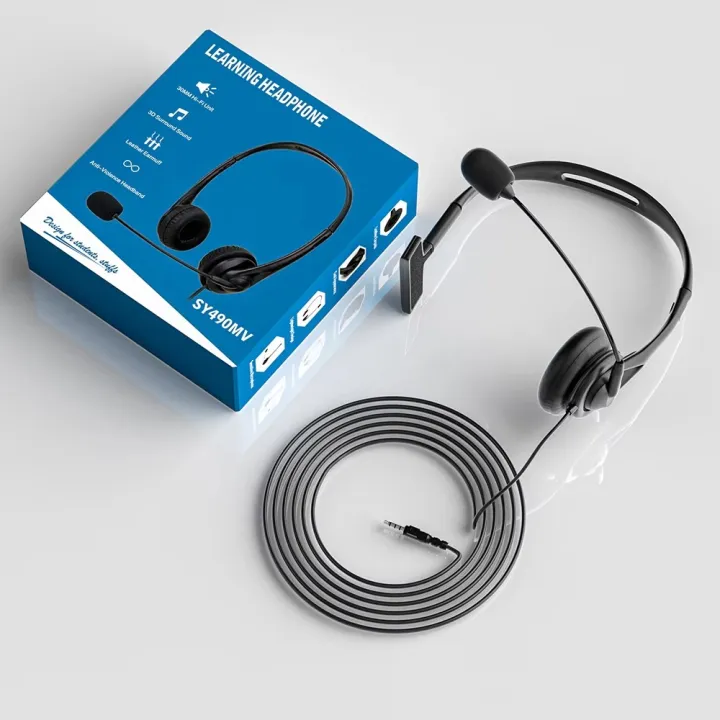
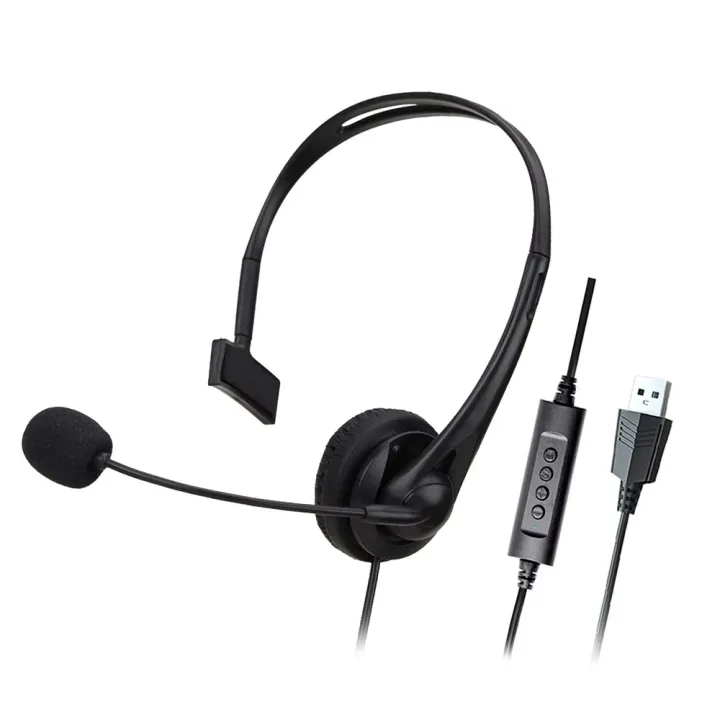
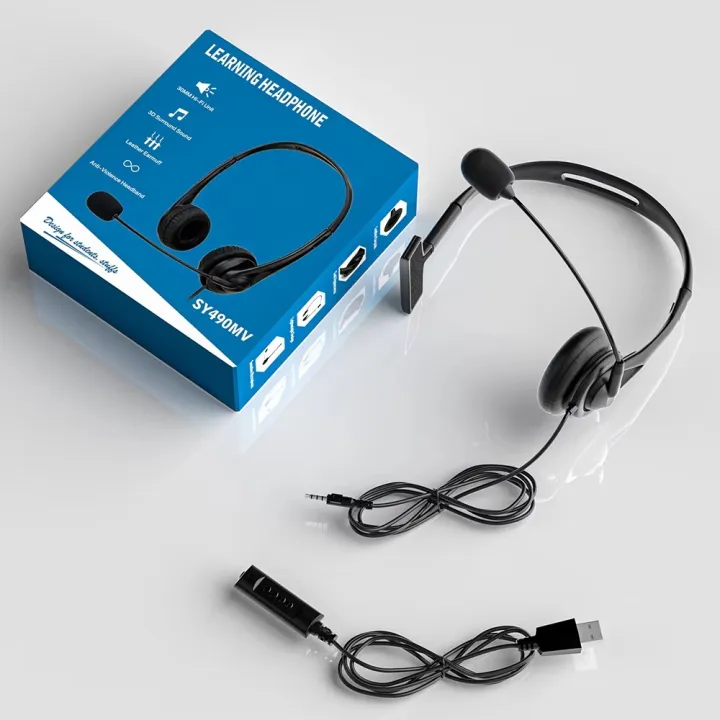
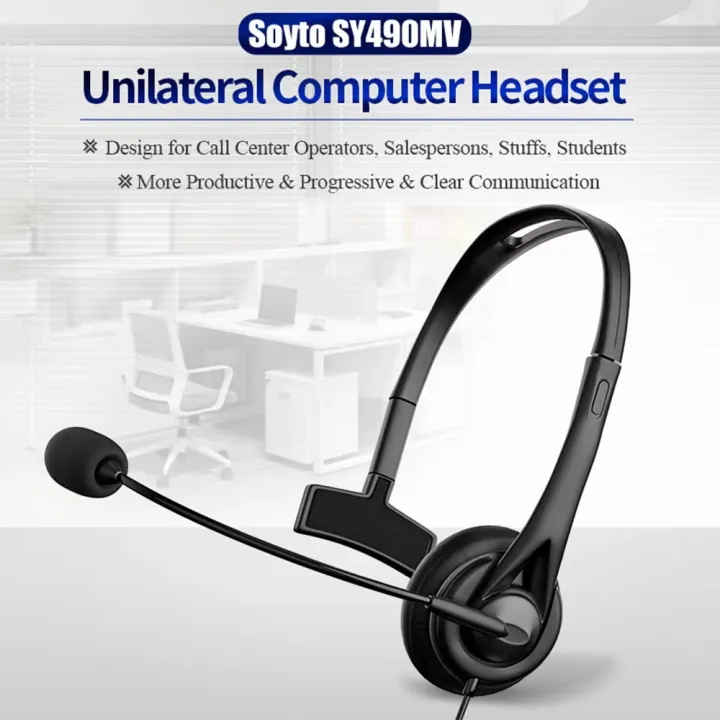
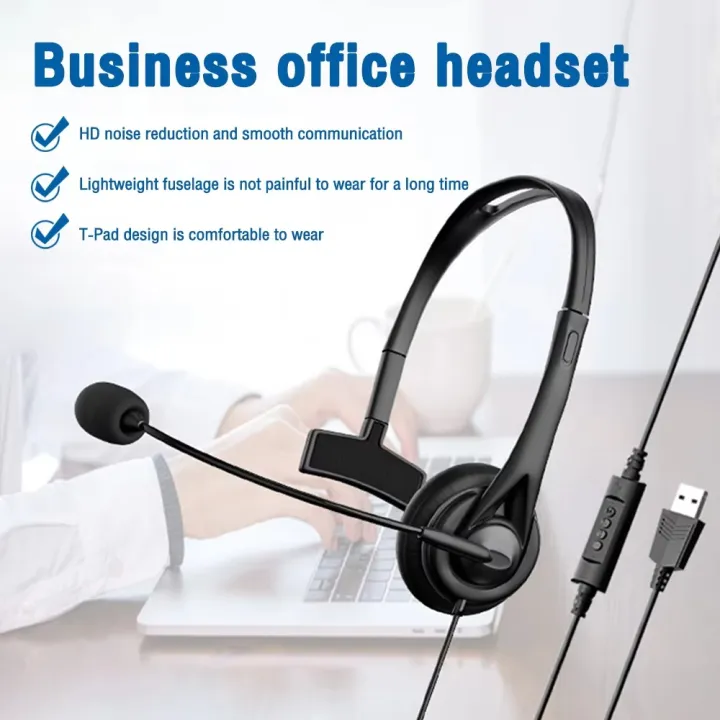
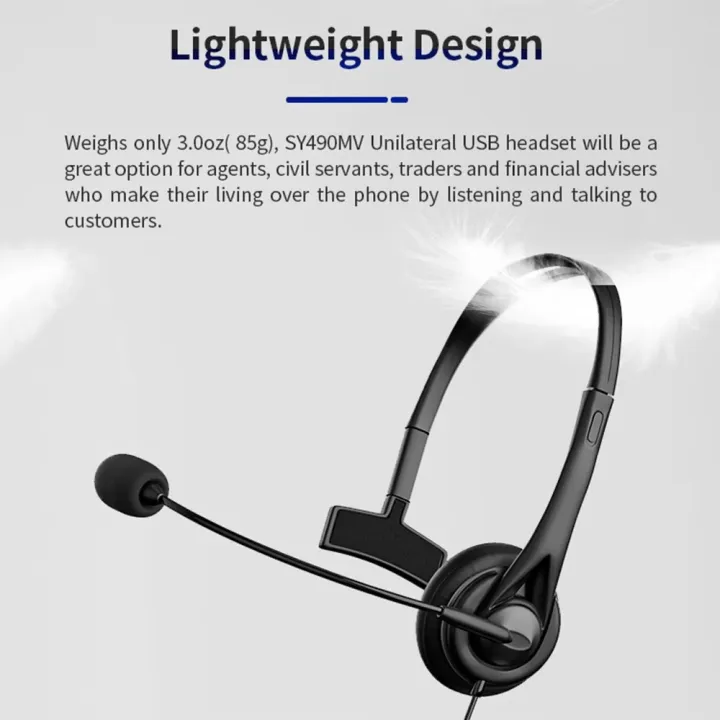
Universal 3.5mm USB Wired Headset designed for clear communication and everyday audio use. Featuring a built-in microphone, volume control and mute function, it is ideal for call centers, office work, online classes, meetings, video calls and customer service. Read more
𝗨𝗻𝗶𝘃𝗲𝗿𝘀𝗮𝗹 𝟯.𝟱𝗺𝗺 𝗨𝗦𝗕 𝗪𝗶𝗿𝗲𝗱 𝗛𝗲𝗮𝗱𝘀𝗲𝘁 𝘄𝗶𝘁𝗵 𝗠𝗶𝗰𝗿𝗼𝗽𝗵𝗼𝗻𝗲
Stay connected and communicate comfortably with this Universal Wired Business Headset. Designed for call center operators, office professionals, online classes, meetings, customer service and everyday communication, this headset combines wired connectivity with a built-in microphone and convenient controls.
The headset features microphone support, volume control and a mute function, making it convenient for frequent calls and online communication. Its wired design provides a simple plug-and-use experience without the need for Bluetooth pairing or battery charging.
𝗞𝗲𝘆 𝗙𝗲𝗮𝘁𝘂𝗿𝗲𝘀
• Wired business headset design
• 3.5mm / USB connectivity as listed
• Built-in microphone
• Volume control
• Mute control
• Designed for call center and business use
• Suitable for office work and customer service
• Useful for online classes and meetings
• Convenient wired connection
𝗙𝗿𝗲𝗾𝘂𝗲𝗻𝘁𝗹𝘆 𝗔𝘀𝗸𝗲𝗱 𝗤𝘂𝗲𝘀𝘁𝗶𝗼𝗻𝘀 (𝗙𝗔𝗤)
𝗤: Is this a wireless headset?
𝗔: No. It is a wired headset.
𝗤: Does it have a microphone?
𝗔: Yes, it comes with a built-in microphone.
𝗤: Does it have volume control?
𝗔: Yes, volume control is included.
𝗤: Does it have a mute function?
𝗔: Yes, the headset includes a mute control.
𝗤: What is this headset suitable for?
𝗔: It is suitable for call centers, office work, customer service, online classes, meetings, video calls and general communication.
𝗤: Does it require Bluetooth?
𝗔: No. It uses a wired connection, so Bluetooth pairing is not required.
𝗤: Is it suitable for laptops and computers?
𝗔: It can be used with compatible devices that support the listed connection type.
𝗨𝘀𝗲𝗿 𝗠𝗮𝗻𝘂𝗮𝗹
1. Check the connector and make sure it matches your device.
2. Connect the headset to the compatible device.
3. Put the headset on comfortably.
4. Open your preferred calling, meeting or audio application.
5. Test the microphone before starting an important call.
6. Adjust the volume using the available control.
7. Use the mute function when you need to temporarily disable the microphone.
𝗛𝗼𝘄 𝘁𝗼 𝗨𝘀𝗲
𝗙𝗼𝗿 𝗖𝗮𝗹𝗹 𝗖𝗲𝗻𝘁𝗲𝗿:
Connect the headset to a compatible computer or communication device and use the microphone for customer calls.
𝗙𝗼𝗿 𝗢𝗻𝗹𝗶𝗻𝗲 𝗖𝗹𝗮𝘀𝘀:
Connect the headset to your computer or compatible device and use the microphone for online classes and discussions.
𝗙𝗼𝗿 𝗢𝗳𝗳𝗶𝗰𝗲 𝗠𝗲𝗲𝘁𝗶𝗻𝗴𝘀:
Connect the headset before joining a video meeting and adjust the volume to a comfortable level.
𝗙𝗼𝗿 𝗖𝗮𝗹𝗹𝘀:
Connect the headset, select it as the audio device if required, and use the built-in microphone for communication.
𝗕𝗲𝗻𝗲𝗳𝗶𝘁𝘀
• Built-in microphone for convenient communication
• Volume control for quick audio adjustment
• Mute function for convenient call management
• Wired connection means no battery charging is required
• Suitable for call center operations
• Useful for office and customer service work
• Suitable for online classes and meetings
• Convenient for regular voice calls and communication
• Simple plug-and-use design
𝗥𝗲𝘀𝘁𝗿𝗶𝗰𝘁𝗶𝗼𝗻𝘀 / 𝗣𝗿𝗲𝗰𝗮𝘂𝘁𝗶𝗼𝗻𝘀
• Device compatibility depends on the available port and connection type.
• Check the connector before purchasing.
• Do not pull the cable forcefully.
• Keep the headset and connector away from excessive moisture.
• Avoid bending or twisting the cable excessively.
• Keep the microphone area clean for better performance.
• Audio and microphone quality may vary depending on the connected device.
• Product appearance or specifications may vary slightly depending on production batch.
| Specifications | Descriptions |
|---|---|
| Product Type Wired Business Headset | Wired Business Headset |
| Connectivity | 3.5mm / USB |
| Microphone | Built-in Microphone |
| Controls | Volume & Mute Control |
| Usage | Call Center, Office, Online Class & Meetings |
| Design | Wired Headset |

Get 10% OFF on Your First Order!